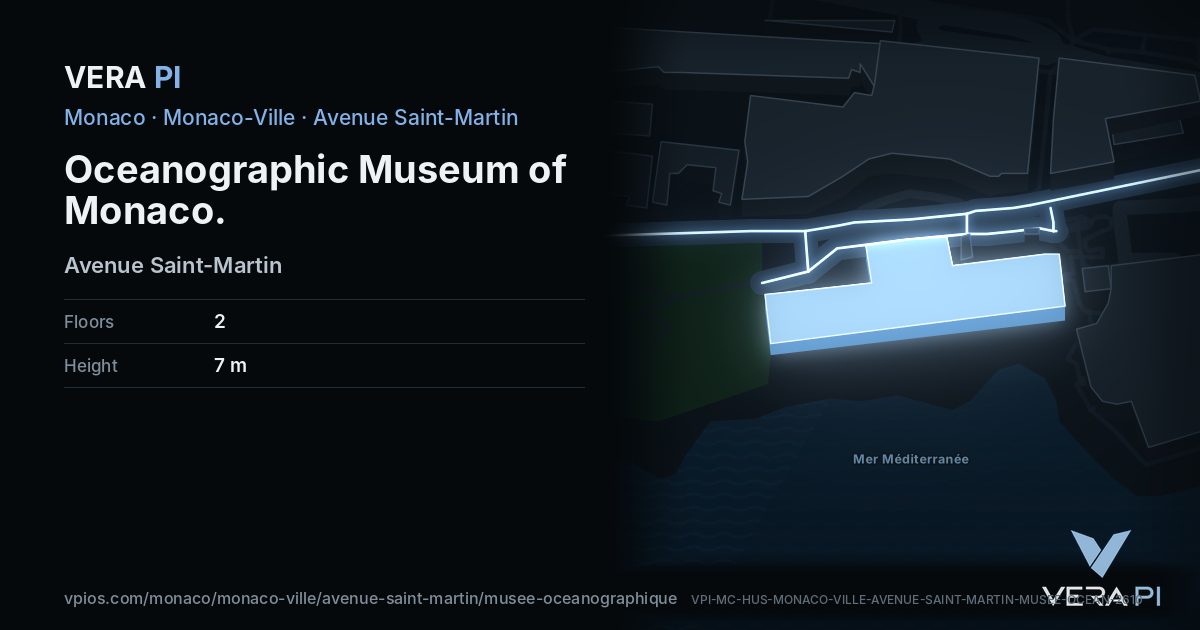
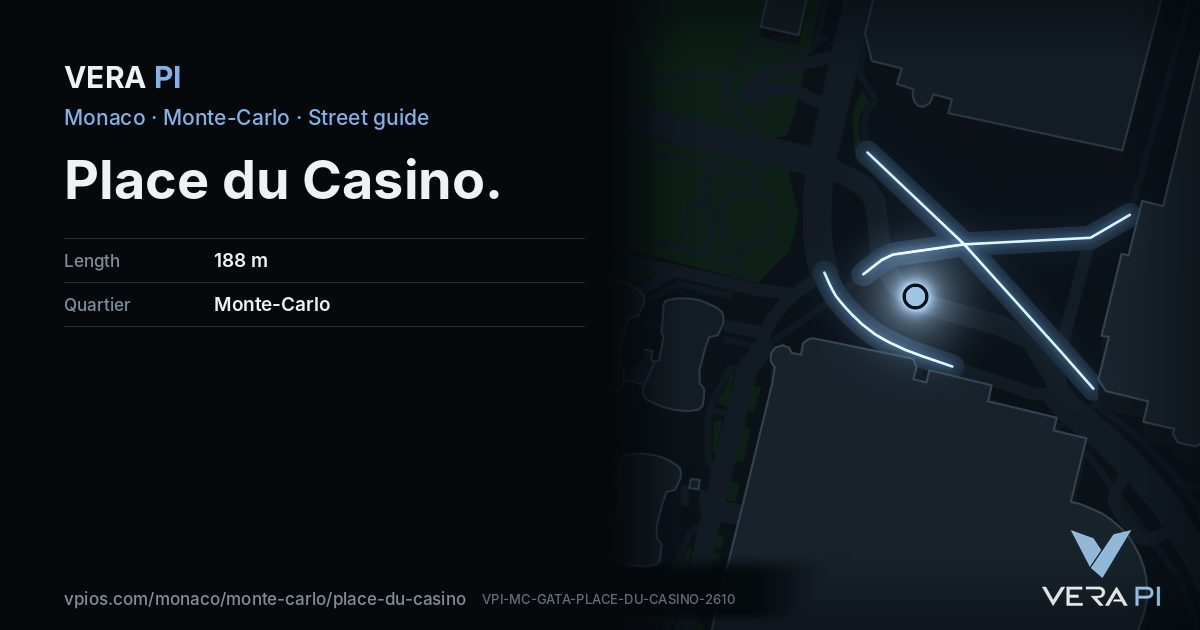
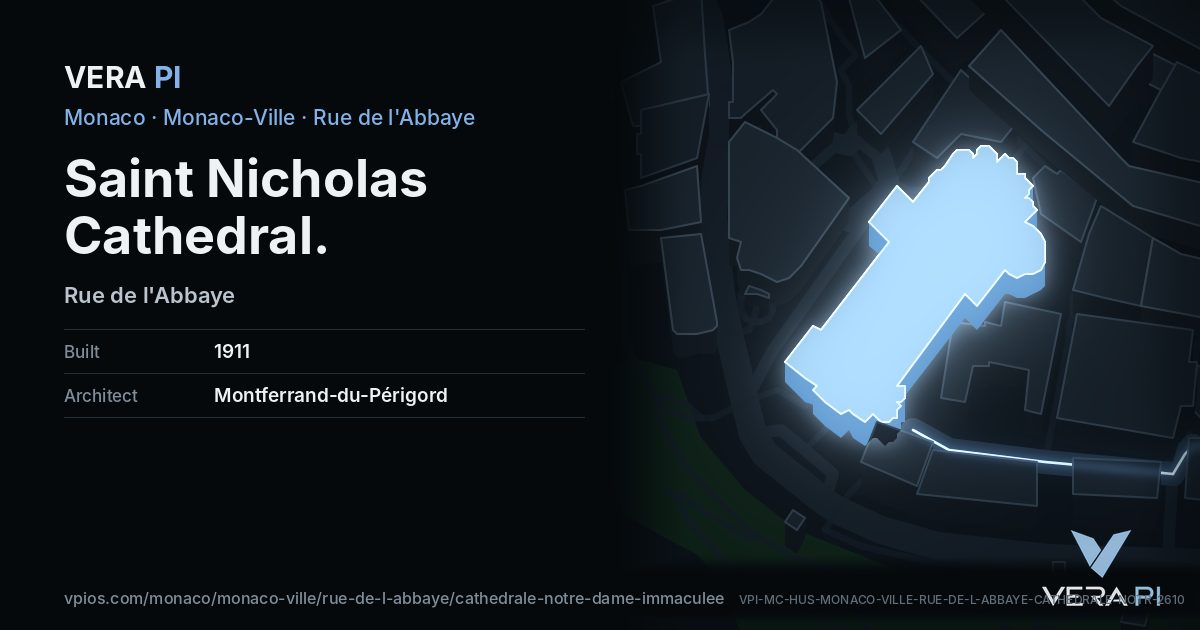
Your guide, in your pocket. Everywhere.
The camera you carry everywhere, and it helps with everything: point it at a building or a sight to get its story, find the best table nearby, see where the sun is, walk from here, discover what is on tonight – and share the card.
Three steps
Open the camera
In your phone's browser. Allow the camera and your location – nothing to install.
Point it at a building
The camera decides by itself what you are looking at: a building, a sight, a street. No modes to choose.
Pull up the story
Built when, by whom, what happened there, the hours, the walk – and the places near you.
One camera, the whole city
The story
Who built it, when, and what happened there – from the VERA PI databases.
Tables nearby
The MICHELIN rooms and our picks around you, with tonight's hours.
The sun
Which terrace has the sun now, and until when.
Walk from here
The way on foot from where you stand – lifts and stairways included in Monaco.
Tonight
What is on near you this evening.
Share the card
Every place has its own card. Whoever opens it can use the camera at once.
Camera-ready cities
The camera reads VERA PI's databases, so it works where VERA PI has mapped every building.

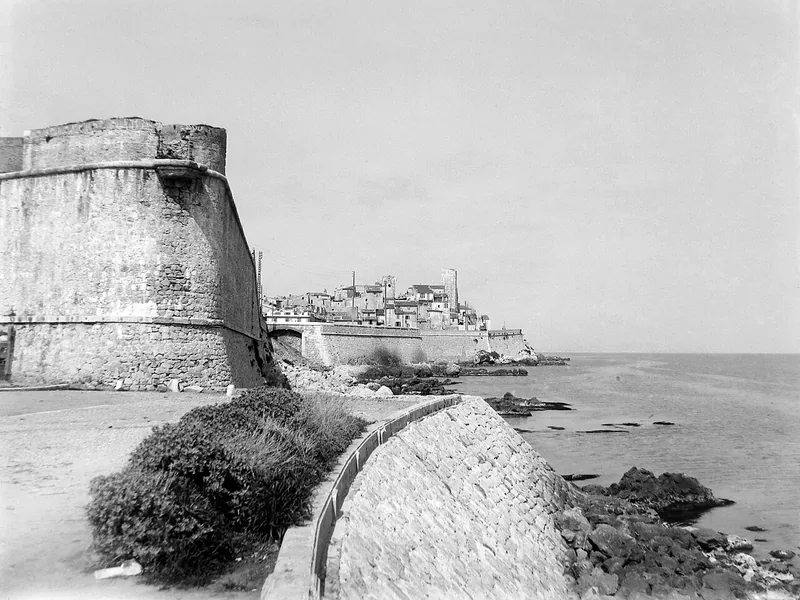

Photos: Kavalenkava/Adobe Stock · nyiragongo/Adobe Stock · Jean Ribéry / Wikimedia Commons, CC BY-SA 3.0
Every place has a card
Share any building or street from the camera. Whoever opens your card can use the camera straight away.